 EMDR Flow
EMDR light bar online: a practical guide for therapists
EMDR Flow works as an online EMDR light bar controlled from the therapist’s iPhone, iPad or Mac. The client opens emdrflow.app and enters a session code without installing an app, while the therapist adjusts the pace, sets and pauses. It provides a screen-based visual stimulus alongside your existing video call, without buying a physical light bar.
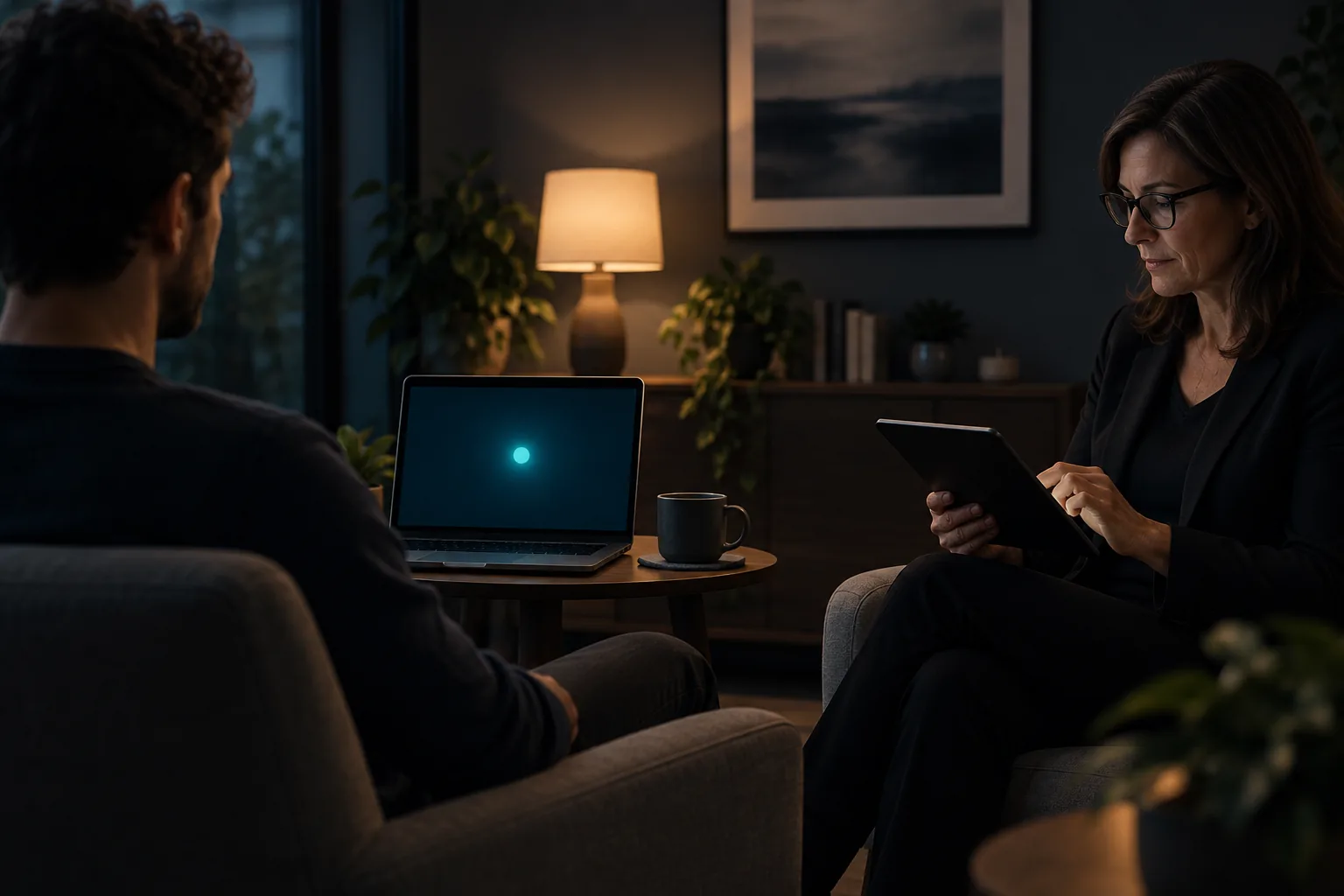
An online EMDR light bar places a moving visual target directly on the client’s screen while the therapist decides when each set starts, pauses and ends. It is a digital alternative to pointing a physical light bar through a webcam or playing a fixed video. Because the motion renders on the client device, it can use the available screen width without being compressed inside the video call.
Online describes the delivery channel, not self-guided therapy. Client suitability, modality, speed, set length and closure remain professional decisions. Before using any visual BLS tool, assess remote fit, agree on a stop signal and establish what both people will do if the connection drops.
Physical and virtual light bars: the practical difference
A physical light bar provides a stable visual reference in the same room and may work without an internet connection. On camera, however, its travel becomes smaller and video compression can make motion uneven. A virtual light bar uses the client screen itself and receives adjustments from the therapist device.
Neither format is automatically right for every client. Dedicated hardware may suit in-person work. For telehealth, a wide screen or second device can keep the video call and visual stimulus from competing for space. Consider visual comfort, viewing distance, accessibility and the ability to stop immediately.
- Smooth motion without visible jumps.
- Therapist control of pace, duration, pause and stop.
- A clear stop action available to both participants.
- A pre-session test of display, audio, haptics and connection.
- A prepared alternative when visual stimulation is not suitable.
How to set up an online EMDR light bar
Complete the setup before processing. Position the device at a comfortable distance, remove reflections and confirm that the client can follow the full path without turning their head. Run a short test and ask about eye strain, dizziness, discomfort or difficulty sustaining attention. Technical adjustments made mid-set create avoidable interruption.
With EMDR Flow, the therapist creates a session and shares a six-character code. The client opens the session on another device and selects screen and sound, vibration only or all available modalities. The therapist then controls the set in real time while the clinical conversation remains on the telehealth platform already used by the practice.
- Open the video call and confirm location, privacy and the disconnection plan.
- Create an EMDR Flow session and share the pairing code.
- Test a short sweep before working with a target.
- Adjust pace, duration and modality according to clinical assessment.
- Confirm that both people can stop the stimulus without hunting for controls.
Three ways to see the visual stimulus
The therapist chooses the appearance in EMDR Flow. The patient sees the same stimulus in the app or browser.
Color, background, size and brightness can also be adjusted.
Some styles require Flow Pro. Illustrative previews; the therapist controls movement during the session.From therapist to patient: connection, movement and pause in the real app.
Demonstration with a fictional case. This is not a therapy session and does not show clinical outcomes.Test visual BLS before your next remote session
EMDR Flow synchronizes visual, auditory and haptic cues across devices. The clinician starts, adjusts and stops each set from their screen.
View EMDR Flow on the App Store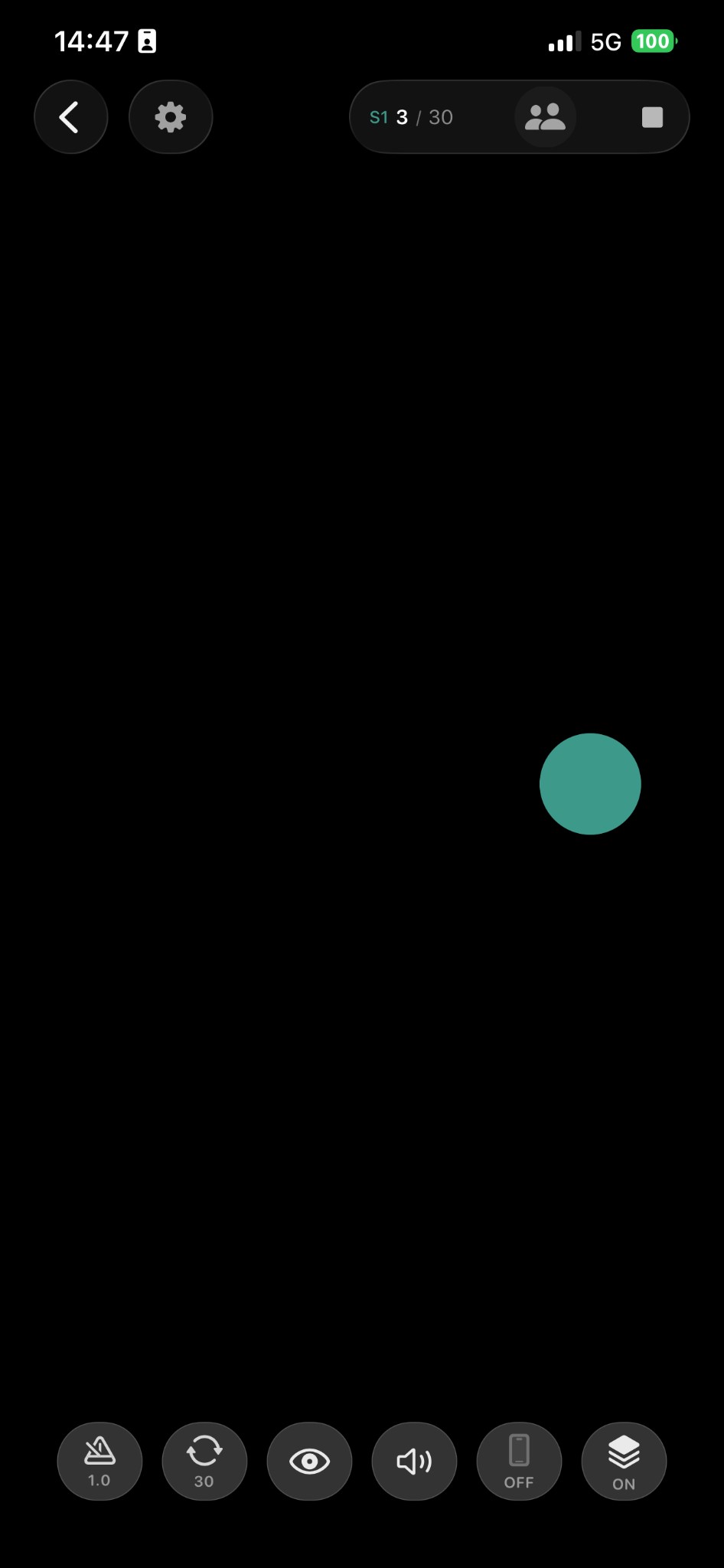
What a visual BLS tool should avoid
A looping video cannot respond to the session. It keeps moving when the therapist needs to pause and often leaves speed control on the client side. Screen sharing reduces available travel, introduces video latency and combines the call with the stimulus. A digital light bar should not be framed as something a client uses alone to administer EMDR.
The tool carries the stimulus and little else. It does not replace preparation, consent, risk assessment, clinical judgment or closure. Guidance from professional associations, accredited training, local law and the therapist’s insurer takes precedence over app settings.
Does EMDR Flow connect to physical light bars?
EMDR Flow currently works as a digital light bar on compatible screens. It does not control a third-party physical light bar, and no extra hardware is required for remote visual stimulation. Therapists who already own a physical bar can continue to use it in the room and use the digital option for remote or multi-device setups.
Hardware compatibility would require a tested integration with a named model and its connection protocol. Until that exists, it should not be assumed or advertised. Being explicit protects therapists from buying equipment in the expectation of pairing that the app does not yet offer.
Frequently asked questions
Can an online EMDR light bar replace physical hardware?
It can provide visual BLS during remote sessions, but the experience and setting differ. The choice depends on environment, device, client comfort and therapist judgment.
Can I connect EMDR Flow to an external light bar?
Not currently. EMDR Flow displays the target on the client device and lets the therapist control it; it does not claim third-party hardware compatibility.
Professional reference: EMDRIA guidance for virtual EMDR therapy.