 EMDR Flow
Remote EMDR: setup, bilateral stimulation and safety
EMDR Flow provides therapist-controlled bilateral stimulation for remote EMDR sessions: the clinician uses the app on iPhone, iPad or Mac, and the client joins at emdrflow.app with a six-character code. It fits a practice that already uses a video-call platform and needs separate controls for stimulation pace, sets and pauses; the client can use a browser without installing the app.
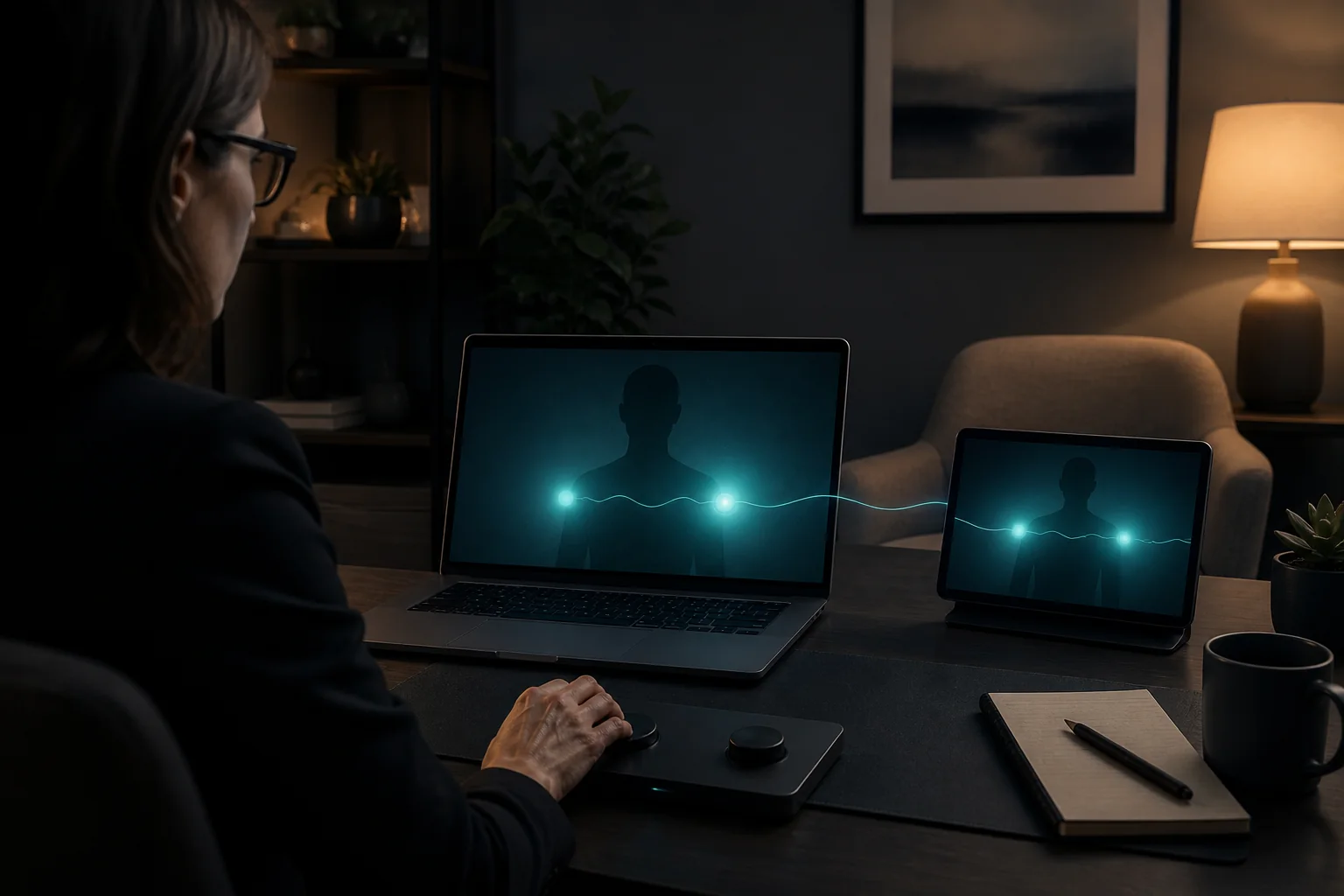
A remote EMDR setup needs two reliable channels: the clinical conversation and therapist-controlled bilateral stimulation. The video platform carries the session. A separate BLS tool can let the clinician start, adjust and stop the stimulus without asking the client to operate it mid-set.
Early research on remotely delivered EMDR is encouraging, but the evidence base is still limited. This guide describes practical setup and safety considerations; it does not claim that remote delivery is equivalent to in-person care.
No client app required
The client can join through the web, iOS or Mac
The clinician creates and controls the session in EMDR Flow on iPhone, iPad or Mac. The client enters the six-character code at emdrflow.app without installing an app, or uses EMDR Flow on iPhone, iPad or Mac.
The browser page is one patient connection option. Therapist controls and the training simulator are available in EMDR Flow on iPhone, iPad or Mac.

What the bilateral stimulation channel needs
Control stays with the clinician
Speed, set length, modality and pauses are clinical choices. The control surface should remain on the clinician's device, while the client device receives the selected stimulus.
A modality that fits the person and setup
Visual movement and alternating audio have different accessibility and equipment requirements. Haptic options may require an additional compatible device. Selection belongs to the trained clinician and should be tested before processing.
A clear connection state
Both participants need to know whether the devices are connected. Test the code, the audio route, visibility and the stop control while the client is regulated enough to report any problem.
Four-step setup before processing
- Confirm identity, physical location, privacy, emergency contact and an agreed stop signal.
- Start the approved video platform and keep it separate from the BLS channel.
- Ask the client to open emdrflow.app, enter the session code and confirm the connection.
- Run a short neutral test, then rehearse what each person will do if video or BLS disconnects.
Privacy and the clinical frame
A BLS connection does not need the session narrative. Keep clinical conversation, notes and identifying material in the systems approved for your practice. Discuss the limits of remote delivery, obtain appropriate consent and follow licensing, privacy and emergency requirements in both locations.
Run browser-based BLS under clinician control
Create the connection in EMDR Flow on iPhone, iPad or Mac, share the six-character code and control the visual or audio set while the client joins from the web, iPhone, iPad or Mac. The video call remains in your existing telehealth platform.
Try EMDR Flow on iOSWhat the evidence can and cannot establish
A 2024 systematic review reported promising outcomes alongside small samples, limited control groups and reliance on self-report. An earlier review of online EMDR delivery found only one eligible internet-delivered EMDR trial.
EMDRIA's virtual EMDR guidance emphasizes trained clinicians, preparation, informed consent, privacy and advance safety planning. It does not support self-administered EMDR.
Frequently asked questions
Does the client need the EMDR Flow app?
No. The client can enter the session code at emdrflow.app without installing an app. They can alternatively use EMDR Flow on iPhone, iPad or Mac.
Does EMDR Flow include the video call?
No. EMDR Flow carries the bilateral stimulation connection. The clinician keeps the video conversation in the separate telehealth platform approved for their practice.
Is remote EMDR equivalent to in-person EMDR?
Current research is encouraging but remains limited and heterogeneous. The remote format requires trained clinical judgment, appropriate preparation, consent, privacy and safety planning.
Choosing your setup? Start with the remote EMDR tools checklist to separate the video call, bilateral stimulation and patient-device requirements. For more detail, see the EMDR telehealth checklist, online bilateral stimulation and screen-based EMDR light bars. To rehearse Phase 3 assessment and processing decisions with fictional cases, see the EMDR training simulator with AI virtual patients.